

AVS Video Editor
About AVS Video Editor
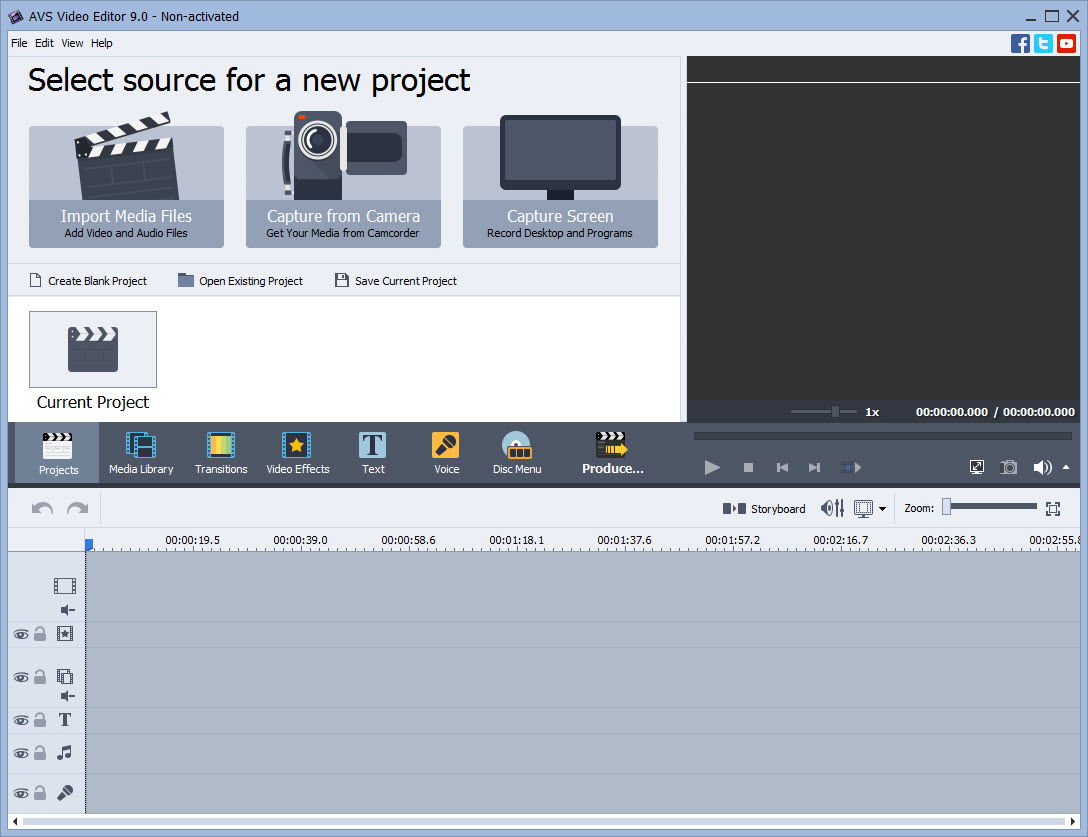
AVS Video Editor is a feature-rich yet easy-to-use video editing software. It combines a robust set of tools for editing, enhancing, and creating videos with a straightforward interface that caters to both beginners and experienced users.
Whether you’re creating home movies, YouTube content, or professional presentations, AVS Video Editor offers the flexibility and functionality to bring your vision to life.
Intuitive Video Editing Tools
At its core, AVS Video Editor provides all the essential tools for editing video content. Users can easily cut, trim, split, merge, and rearrange clips.
The intuitive drag-and-drop interface allows for precise edits without the need for extensive technical knowledge.
Its timeline-based editing ensures clear organization of video, audio, and effects layers, making it simple to synchronize elements for a polished final product.
Support for Multiple Formats
AVS Video Editor supports a wide range of video formats, including MP4, AVI, WMV, MOV, and MKV. This ensures compatibility with footage from various devices, such as smartphones, camcorders, and drones.
The software also provides optimized presets for different output needs, including formats tailored for social media platforms, mobile devices, and DVDs.
Built-In Effects and Transitions
The software includes an extensive library of visual effects and transitions, allowing users to enhance their videos creatively. AVS Video Editor provides tools to add professional touches to your projects, from filters and overlays to stylish text animations.
These features are easy to apply, making them accessible to users new to video editing while still offering enough depth for experienced editors.
Advanced Features
For users seeking more advanced capabilities, AVS Video Editor offers options such as:
- Chroma Key (Green Screen): Replace backgrounds and create engaging visual effects.
- Slow Motion and Speed Control: Adjust playback speed for dramatic or comedic effects.
- Audio Editing: Add and edit background music, voiceovers, and sound effects with precision.
These features add versatility to the software, making it suitable for a wide variety of video editing needs.
High-Quality Output
AVS Video Editor ensures high-quality video output, supporting 4K Ultra HD resolutions. This is ideal for users creating content for modern devices and platforms where high resolution is essential.
The software also allows for direct burning of videos to DVDs and Blu-ray discs, adding convenience for users looking to create physical media.
Efficient Performance with Video Cache
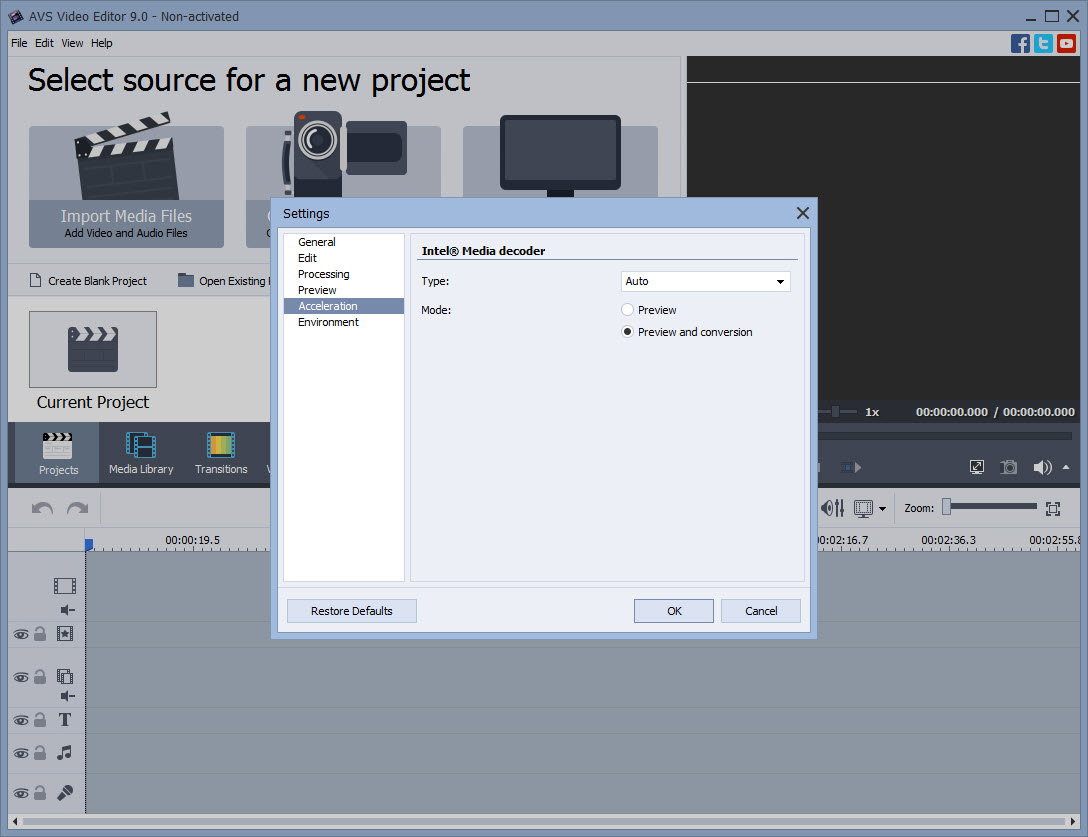
To ensure smooth editing, AVS Video Editor uses a video caching feature that accelerates HD and 4K content processing. This minimizes lags and improves responsiveness, even on systems with modest specifications.
Conclusion
AVS Video Editor is an excellent choice for Windows users seeking a versatile yet easy-to-use video editing tool. With its wide format support, built-in effects, and advanced features like Chroma Key and 4K support, it caters to both casual users and aspiring creators.
While it may not rival professional-grade software in terms of advanced capabilities, its intuitive design and robust performance make it ideal for most video editing tasks.
For users looking to create polished and engaging content without a steep learning curve, AVS Video Editor is a reliable and powerful option.
Pros & Cons
- Intuitive interface suitable for beginners and advanced users.
- Supports a wide range of video formats and resolutions.
- Includes a variety of effects, transitions, and advanced tools like chroma key.
- Optimized presets for social media, mobile devices, and DVDs.
- Smooth performance with video caching for HD and 4K editing.
- Some advanced features may require a subscription to the full version.
- Not as feature-rich as professional-grade editing software like Adobe Premiere Pro.
- Watermarking on output videos in the free trial version.
Frequently asked questions
Yes, the software includes presets optimized for YouTube and other social media platforms, ensuring high-quality and compatible output.
Yes, it supports resolutions up to 4K Ultra HD and ensures smooth performance with video caching.
Yes, the Chroma Key feature allows users to replace backgrounds and create green screen effects.
Yes, its intuitive interface and drag-and-drop functionality make it accessible for users with no prior editing experience.
Yes, it offers a wide selection of transitions, filters, and visual effects to enhance your projects.
Yes, the software includes tools for adding, editing, and mixing audio tracks, voiceovers, and sound effects.
Yes, videos created in the free trial version include watermarks. Removing them requires purchasing the full version.


