

Avira Phantom VPN
About Avira Phantom VPN
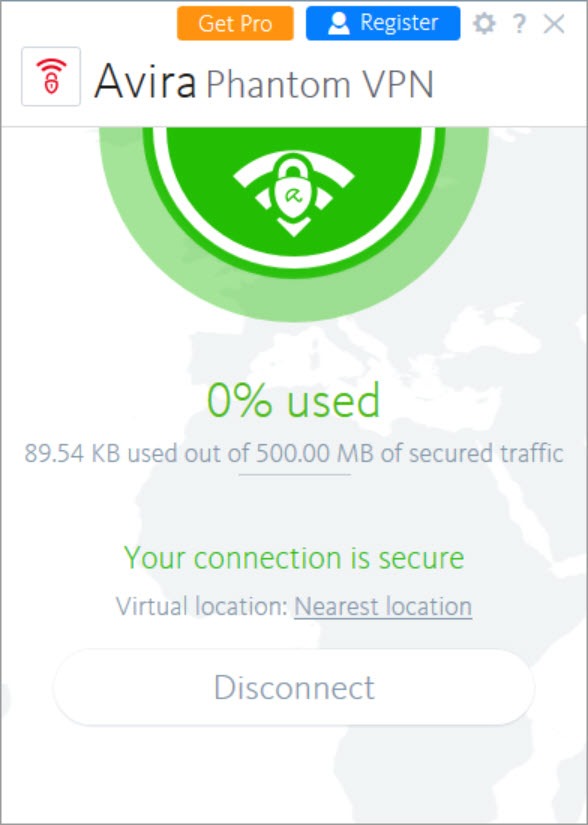
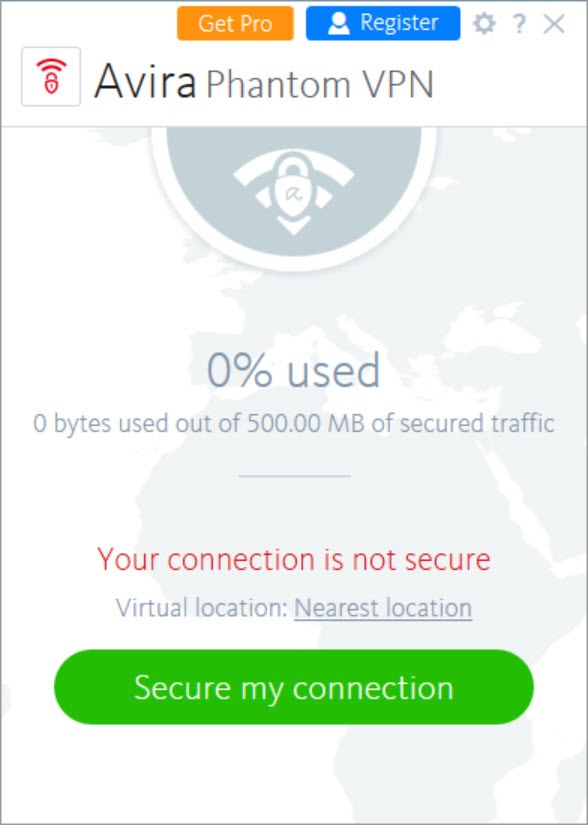
Avira Phantom VPN is a tunnel with one button. Open it, press Secure my connection, and traffic leaves the machine encrypted with AES-256 through an OpenVPN tunnel to a server in one of about 37 countries, with DNS and IPv6 leak protection switched on by default.
The window shows the location, the amount of data used and not much else. It is the tunnel that ships alongside a well-known antivirus, and it carries that heritage in its design. Simple enough that nobody needs a manual, and thin enough that anyone who has used a full-featured service will notice what is missing within a minute.
That thinness cuts both ways. There is no split tunnelling, no protocol choice on the desktop, no obfuscation for hostile networks, and the kill switch has to be found in the settings and turned on by hand. What it has, it does properly. Leak tests come back clean, speeds on nearby servers are good, peer-to-peer traffic is allowed on every server, and a registered account holds no connection logs.
Avira Phantom VPN is a competent basic tunnel, and the review is mostly about where basic ends.
Connecting, and the server picker
The Avira Phantom VPN desktop client connects to the nearest server automatically or to a country you choose from a list. That list is the extent of the choice. There are no city-level servers, no specialised streaming or torrent servers and no favourites, though with a country list this short favourites would be redundant. Switching countries mid-session sometimes stalls at a spinning indicator or fails with a network not found message, and reconnecting clears it. That flakiness on switching is the most consistent complaint about the client, and it has been for a long time.
The unregistered build never lets you pick at all. It connects to the nearest server and stops there, which makes it useful for encrypting traffic on public networks and useless for appearing to be somewhere else.
The data cap
The unregistered Avira Phantom VPN client allows 500MB a month, raised to 1GB once an email address is registered. Both figures are exhausted quickly. An hour of browsing with images and video takes a good bite, and a single standard-definition streaming session would clear the whole allowance. The counter on the main window shows the remaining amount, and the tunnel simply stops when it runs out.
Anyone who weighs an audited no-logs position above convenience should compare Mullvad, which takes the opposite approach to almost every design choice here.
Treat that tier as a trial or as an emergency tunnel for a hotel network, not as a service. It exists to show you the client, and it is honest about that. Removing the cap, gaining the country list and the kill switch, all arrive together in the paid tier.
Kill switch and leak protection
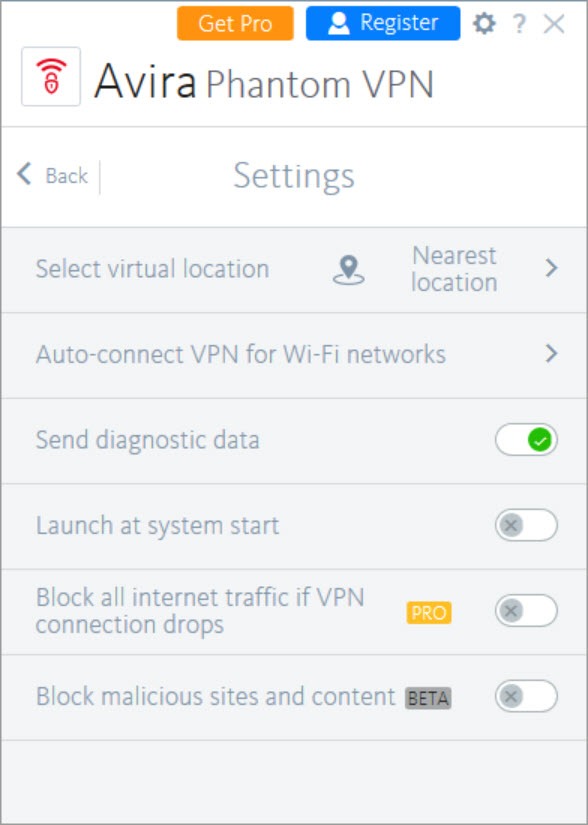
The kill switch, labelled a fail-safe in the settings, cuts internet access if the tunnel drops so that traffic never falls back to the plain connection. It works when tested, and it is off until you enable it, which is a poor default for a feature whose whole point is protecting the inattentive.
DNS and IPv6 leak protection are always on and independent tests find no leaks across a range of servers.
What is missing
Beyond that the list runs short. No split tunnelling, so a banking app cannot bypass the tunnel while the browser uses it. OpenVPN over TCP only on the desktop, with no WireGuard and no way to change protocol or port, so a network that blocks the usual VPN traffic blocks this outright. No obfuscation and no multi-hop. A block for malicious sites and unwanted content can be switched on in Avira Phantom VPN, which is a small bonus from the antivirus side of the family.
Anyone who needs protocol choice will find a manually configured OpenVPN client far more flexible, at the expense of the one-button simplicity that is the whole appeal here.
Speed, torrents and streaming
Speeds on nearby servers are good, often among the better results in comparative tests, and torrent throughput in particular measures well. Distant servers slow down as they do everywhere. Peer-to-peer traffic is permitted on every server, which with the kill switch enabled makes this a reasonable tunnel for file sharing on the desktop.
Streaming is patchy. The largest catalogue tends to work, several others do not, and there are no servers tuned for it, so anyone choosing a tunnel for regional content should look elsewhere. NordVPN has a network roughly four times the size and servers built for that job. For pure privacy on a public network, the difference matters far less.
Conclusion
Avira Phantom VPN suits someone who already runs the matching antivirus suite and wants a tunnel for public networks without learning anything, and anyone whose needs stop at encrypt my connection and let me pick a country. On those terms it works, leaks nothing and runs quickly on nearby servers.
It is a poor choice for streaming, for restrictive networks and for anyone who wants control over protocols or which apps use the tunnel. The client’s habit of stalling on server changes and the off-by-default kill switch are the two things to know before relying on it, and both are fixable with patience and a trip to the settings.
Pros & Cons
- One-button connection with AES-256 over OpenVPN
- DNS and IPv6 leak protection on by default, with clean test results
- Kill switch available and working on the desktop
- Peer-to-peer allowed on every server, with good throughput
- Uncluttered client that needs no explanation
- Data cap of 500MB or 1GB a month until registered and upgraded
- No split tunnelling, protocol choice, obfuscation or multi-hop
- Server switching stalls or fails often enough to notice
- Kill switch is off by default
- Country list only, with no city-level servers
Frequently asked questions
The monthly data cap has been reached. The unregistered client allows 500MB, rising to 1GB with a registered email address, and the tunnel stops when it is used up.
Yes, labelled as a fail-safe in the settings. It is switched off by default and needs enabling, and it is not included in the unregistered tier.
By country, in the registered tiers. The unregistered client always connects to the nearest server.
Yes, on every server. Enable the kill switch first so that a dropped tunnel does not expose the real address.


