

Autodesk FBX Converter
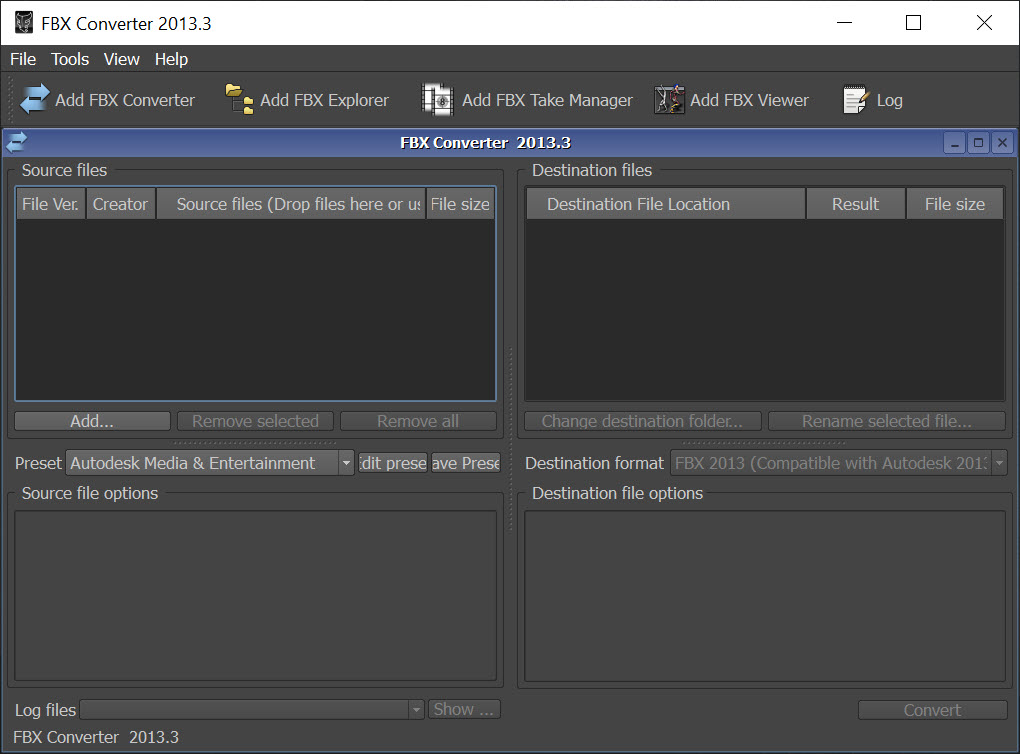
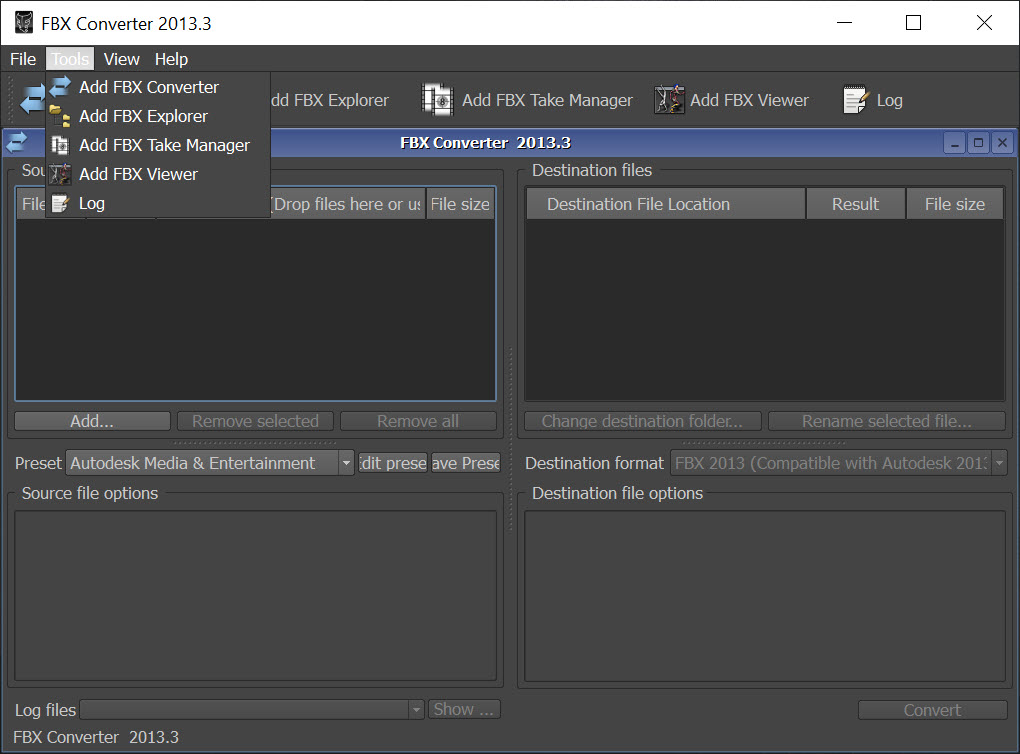
About Autodesk FBX Converter
Somebody sends you a 3D model and the application you own refuses to open it. Sometimes that is the wrong format entirely, and surprisingly often it is the right format written by a newer release than your software understands. Autodesk FBX Converter handles both problems, and it also does two things nobody expects from a converter.
The conversion itself covers the common interchange formats, moving between the dominant exchange format, the plain text mesh format, the open collaborative format, an older mesh format and a drawing exchange format. Batch processing runs a folder rather than one file at a time.
What survives a conversion
Being clear about this saves disappointment later. Autodesk FBX Converter always transfers geometry. Everything else depends on what the target format is capable of expressing.
Materials often survive in simplified form, losing the specific shader arrangement and keeping colours and texture references. Rigs and animation frequently do not survive at all, because several of the older formats have no concept of a skeleton. Cameras and lights are similarly variable.
The practical rule is to convert into the richest format the receiving application accepts, and to expect anything moving into a plain mesh format to arrive as geometry and nothing else. For modelling work on the result, a modeller that reads and writes the same exchange formats covers the editing this does not attempt.
The conversion nobody expects to need
Here is the use that keeps Autodesk FBX Converter installed on machines belonging to people who own far more capable software.
The dominant exchange format has gone through many releases, and a file written by a recent one cannot be read by an application built against an older one. That is not a corruption or a mistake, it is a version mismatch, and the error message rarely explains it.
Converting a file from a newer release to an older one solves it in seconds. Anybody working with an older modelling package, a game engine that has not been updated, or a plugin that stopped being maintained meets this constantly, and this utility remains the most direct answer.
The viewer is half the reason to keep it
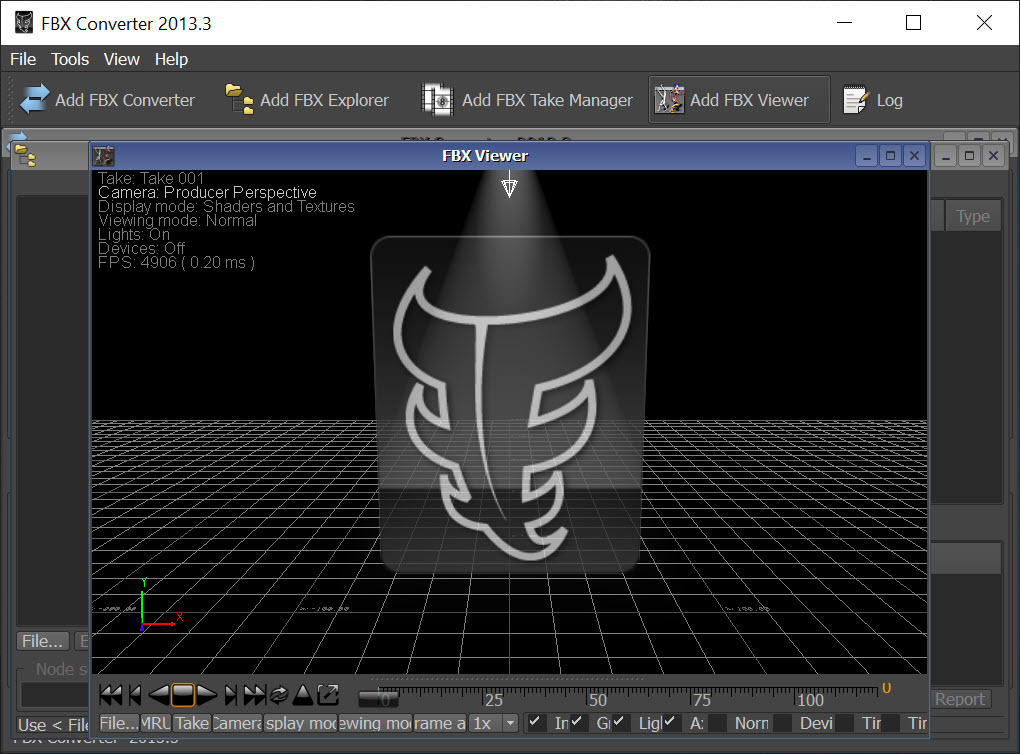
Autodesk FBX Converter includes a preview window, and it is better than the name suggests. Load a file and you get the model rendered with its textures, along with cameras and lights if the file contains them, and animation plays back rather than sitting there as data.
That matters because opening a model in a full 3D application to answer a simple question is disproportionate. Checking whether a file actually contains the animation somebody promised, or whether the textures are embedded or merely referenced, takes seconds here and several minutes anywhere else.
For anybody who receives model files regularly, Autodesk FBX Converter earns its place as a viewer alone, before any conversion happens.
The explorer, for when a file is wrong
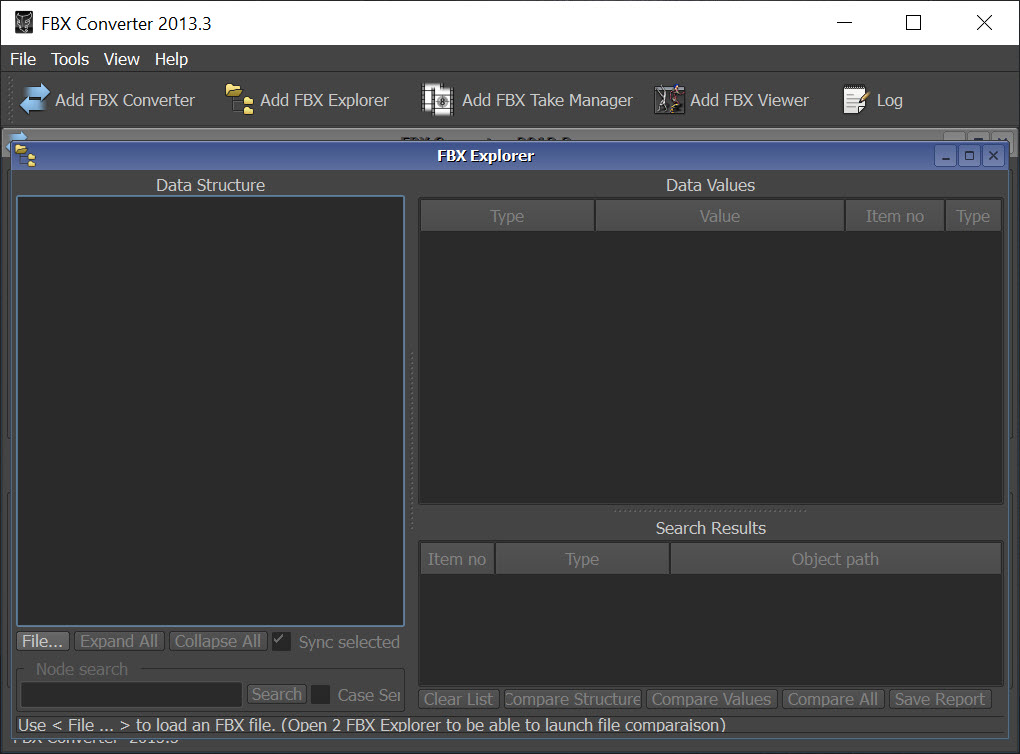
The third Autodesk FBX Converter component is the one almost nobody mentions. It opens a file and shows its internal structure, the tree of nodes and the properties attached to each.
When an import fails or a model arrives looking wrong, that structure is where the answer lives. A mesh parented to something unexpected, a texture path pointing at a folder that exists only on somebody else’s machine, an object with no material assigned at all, all of it is visible rather than inferred.
Reading a model format’s internals to work out why it misbehaves is a familiar exercise in other corners of 3D work, and NifSkope does the same job for the format used by a particular family of games.
Options, and the reason to check before relying on it
The Autodesk FBX Converter settings cover the things that go wrong between applications. Textures can be embedded inside the file rather than referenced, which is the difference between sending one file and sending a folder somebody will unpack incorrectly. The up axis can be changed, since applications disagree about which direction is vertical and a model arriving on its side is almost always this. Units convert, so a model that imports at a hundred times its intended size can be fixed at the conversion stage rather than by scaling afterwards.
Output can be written as binary for compactness or as text, and the text form is occasionally invaluable because it can be opened and read when nothing else will tell you what is inside.
Now the limitation that decides everything. Development stopped, so the newest releases of the format are not understood, and the tool that exists to solve version mismatches has itself fallen behind. It converts older files perfectly well and will not help with a file written last month.
Where that bites, Blender imports and exports all these formats, tracks the current releases, and converts by importing and exporting again, which is heavier than a dedicated converter and always current.
Conclusion
Autodesk FBX Converter does three jobs and two of them are underrated. Converting between interchange formats is the advertised one, and the viewer that answers what is actually in a file, plus the explorer that shows why an import went wrong, are the reasons it survives on machines belonging to people with far more capable software installed.
The catch is its own age. A utility that exists to reconcile format releases has stopped learning new ones, so files from current software may be beyond it. Keep it for viewing, for inspecting and for pushing older files down a release when something refuses them, and use a full 3D application for anything written recently.
Pros & Cons
- Converts between the main 3D interchange formats, in batches across a folder
- Converts a file between releases of the same format, which fixes version mismatch errors
- Includes a viewer that renders the model with textures and plays back animation
- The explorer exposes the node tree and properties, showing why an import failed
- Textures can be embedded so a model travels as one file
- Up axis and unit conversion fix the two most common import problems
- Output as binary or as readable text, the latter useful for diagnosis
- Development stopped, so recent releases of the format are not supported
- Rigs and animation often do not survive conversion into older formats
- Materials arrive simplified, keeping colours and losing shader arrangements
- Nothing here edits geometry, so corrections happen in a modelling application
- The interface belongs to an older generation of utility software
Frequently asked questions
The dominant 3D interchange format alongside the plain text mesh format, the open collaborative format, an older mesh format and a drawing exchange format, with batch processing across a folder.
Because an application built against an earlier release cannot read a file written by a newer one. The error rarely says so, and converting down a release solves it immediately. This is the most common reason people still use the tool.
Geometry always transfers. Materials usually arrive simplified, and animation frequently does not survive at all when the target format has no concept of a skeleton. Convert into the richest format the receiving application accepts.
Often not. Support stopped at the releases understood when development ended, so a file from recent software may be refused, which is an awkward limitation for a tool whose main use is fixing version mismatches.
Yes, and it is one of the better reasons to keep it. The viewer renders the model with textures, shows cameras and lights, and plays animation, which answers most questions faster than opening a full 3D application.


