

Artec Studio
About Artec Studio
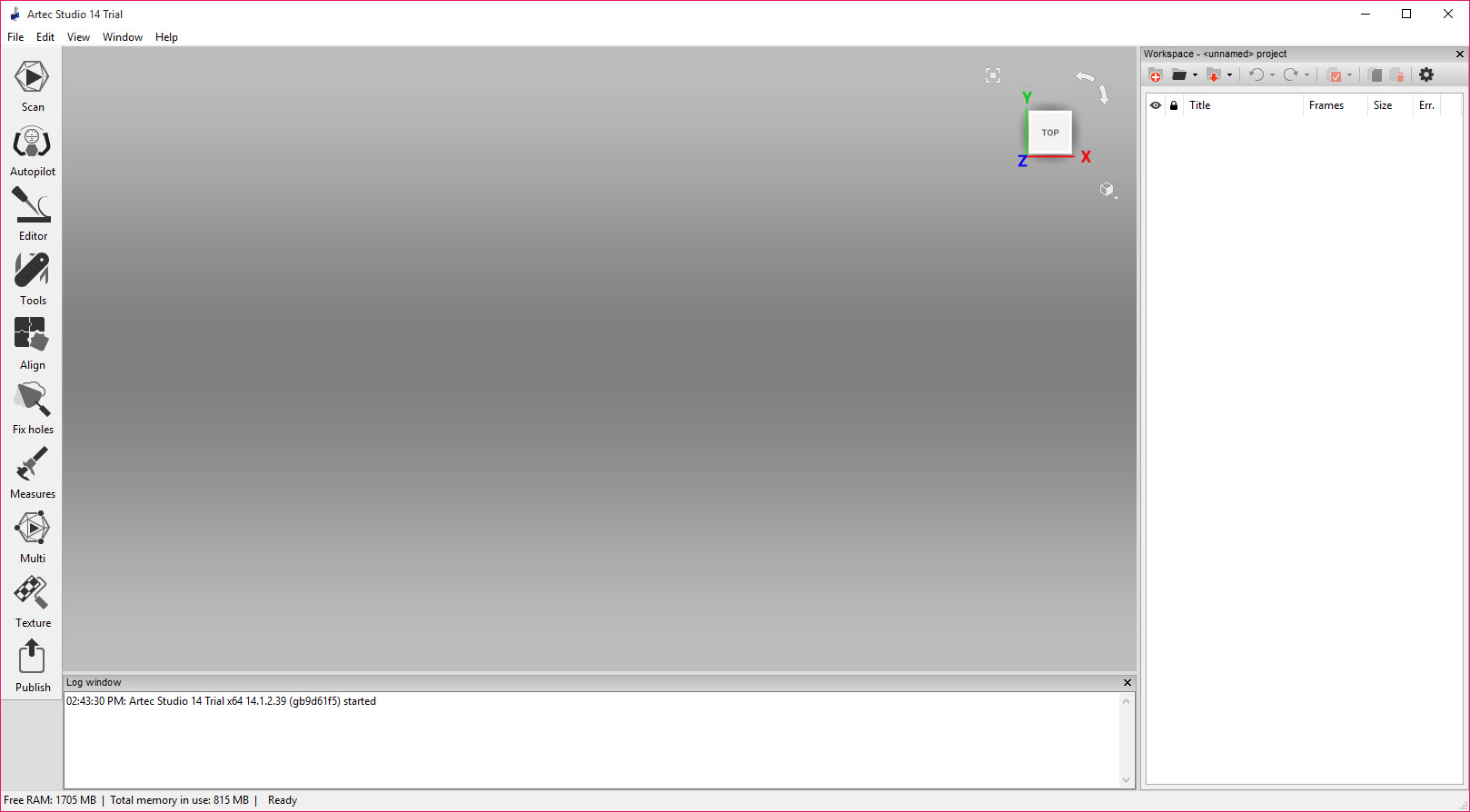
Handheld 3D scanners perform the visible magic, but the object on the screen at the end, watertight, textured, measurable, is manufactured by software. Artec Studio is that software for the Artec scanner family, the workbench where raw streams of captured frames become finished 3D models ready for engineering, inspection, medicine, or a museum archive. Everything between waving a scanner over an object and exporting a usable file happens here.
Set expectations correctly from the first paragraph, because this is professional instrumentation, not a hobbyist toy. The software exists to serve the brand’s own scanners, it assumes serious hardware under the desk, and its audience measures results in tolerances.
Within that world, it’s the reference point the rest of the category gets compared against.
Autopilot, and the death of the tedious middle
Scan processing used to be a craft in itself, aligning overlapping captures, deleting stray geometry, choosing fusion settings, repairing holes, in the right order, with the right parameters, or else. Autopilot compresses that craft into an interview.
Answer a handful of questions about the object, its size, whether it’s shiny or dark, the precision you need, and the pipeline runs itself, alignment through fusion through texturing, producing a finished model that would have taken an experienced operator a careful hour by hand.
The manual pipeline remains fully available underneath, every stage exposed with its parameters for the operators who know exactly what they want, and the honest workflow at most shops is both, Autopilot for the routine objects, manual intervention for the difficult ones.
The difficult ones exist, deep cavities, repetitive geometry that confuses alignment, and knowing how to rescue them is still a skill this software rewards.
HD mode, more detail from the same hardware
The reconstruction engine deserves its own section because it changed what the hardware can do. HD mode runs captured data through a neural reconstruction that resolves finer detail and cleaner edges than the classic processing extracts from identical scans, sharper thin elements, better performance on dark and shiny surfaces, less noise.
Owners of supported scanners effectively received a hardware upgrade delivered as software, and the mode’s toll is computational, more processing time and a serious appetite for GPU memory.
That appetite generalizes. Real-time fusion while scanning, million-polygon meshes, and HD reconstruction all want a serious graphics card and generous RAM, and the software’s minimum requirements mean it.
An underpowered workstation turns a smooth pipeline into a slideshow, so the machine is part of the budget, not an afterthought.
From mesh to measurement to CAD
Scanning is rarely the goal, the goal is what the scan proves or becomes, and this is where Artec Studio separates from mesh hobbyism. The measurement tools compute distances, sections, and geodesic paths on the model, and surface-deviation analysis compares a scan against a reference, the manufactured part against its CAD ideal, with color maps showing exactly where reality drifted from intention. Quality inspection lives on those maps.
For reverse engineering, the scan-to-CAD toolset fits geometric primitives, planes, cylinders, spheres, to scanned surfaces and positions the model precisely for export, and the output travels in every standard mesh format plus direct handoffs toward mainstream CAD environments.
The division of labor is deliberate, this software perfects the captured geometry, and parametric remodeling happens in the CAD seat it exports to, with something like FreeCAD as the accessible end of that spectrum.
Downstream artistry has its own neighbors. Models headed for rendering, animation, or games leave here watertight and textured, then continue into Blender for retopology and scene work, a pairing common enough in heritage and VFX pipelines to count as standard practice.
Quick cosmetic mesh surgery between the two stages has a friendly mesh sculpting tool covering the casual cases.
The honest boundaries
Three truths frame the decision. First, the ecosystem is the point, the software is built around the brand’s own scanners, and without one, it isn’t the product for you. Second, the licensing follows professional software conventions, an ongoing commitment rather than a casual download, appropriate to its audience and better understood before the trial than after.
Third, mastery still matters. Autopilot flattens the routine work dramatically, and the operators who understand registration, fusion, and the failure modes of tricky surfaces still produce visibly better results on the hard objects, because no interview replaces judgment.
None of these are criticisms so much as the coordinates of a professional tool. Within them, the complaints are small, the interface is dense in the way instrument panels are, big projects demand discipline about saving, and the update cadence occasionally rearranges familiar buttons.
Conclusion
Artec Studio is for the professional whose scanner is an instrument. The reverse engineer rebuilding legacy parts, the inspector mapping deviation on production pieces, the prosthetist scanning patients, and the conservator digitizing what can’t be replaced all live here. For them, Autopilot’s speed, HD mode’s detail, and the measurement toolset justify the ecosystem it lives in.
Hobbyists drawn by the 3D scanning romance should understand they’re reading about industrial equipment, and budget accordingly or admire from a distance. Inside its intended world, this remains the software the others are measured against.
Pros & Cons
- Autopilot turns expert-level scan processing into a guided interview
- HD reconstruction extracts visibly finer detail from supported scanners
- Deviation maps and measurement tools serve real inspection work
- Scan-to-CAD fitting and broad export formats feed engineering pipelines
- Handles enormous multi-million polygon datasets fluently
- Manual pipeline exposes every stage for operators who need control
- Meaningful only within the brand's scanner ecosystem
- Serious GPU and RAM requirements that underpowered machines expose
- Professional licensing model suits businesses, not the curious
- Difficult objects still demand operator expertise despite Autopilot
Frequently asked questions
Effectively yes, the software is built around the brand's scanner family and its value assumes that hardware. It is the processing half of an ecosystem, not a general-purpose mesh editor.
It replaces the manual processing pipeline with a short questionnaire about your object and goals, then runs alignment, fusion, cleanup, and texturing automatically to a finished model.
A neural reconstruction engine that resolves finer detail, cleaner edges, and better results on dark or shiny surfaces from the same captured data, at the cost of heavier processing demands.
Yes, surface-deviation analysis maps the differences in color, showing where a manufactured part departs from its reference geometry, which is the basis of scan-driven quality inspection.
A truly capable one. Real-time fusion, large datasets, and HD reconstruction lean hard on GPU memory and RAM, and the published requirements should be treated as honest minimums.


