

7-Zip
About 7-Zip
Few programs earn permanent residence on a fresh machine, and 7-Zip sits on that short list for millions of people. It’s an open-source archiver that compresses tighter than the zip standard, opens practically any packed file that lands in your downloads folder, and does it all without ads, trial timers, or a single nag screen. The installer is barely a megabyte, and the program asks nothing of you afterward.
The headline is its own 7z format. Built on LZMA2 compression, it routinely squeezes files dramatically smaller than an ordinary zip of the same content, with text, documents, and program files showing the biggest gains.
For anything you upload, email, or archive long-term, that difference is measured in real minutes and real gigabytes.
The ratio, and when it actually matters
Compression is a trade of time for space, and this tool lets you pick your spot on that curve, from a quick store-only pass to an ultra setting that wrings out every last percent while all your processor cores work.
On mixed documents, the 7z format’s advantage over standard zip commonly falls in the range of a third smaller or better. Already-compressed media (photos, video, music) barely shrinks in any archiver, so don’t expect miracles there. No tool delivers them.
The practical guidance writes itself. Sending something to a stranger? Make a zip, because everything opens zip. Backing up your own projects, uploading to your own storage, or archiving folders you’ll keep for years? Use 7z and enjoy the smaller footprint. 7-Zip creates both, plus TAR, GZIP, BZIP2, XZ, and WIM, so the choice is a dropdown, not a different program.
Opens everything, including the awkward guests
Extraction coverage is where the program quietly replaces half a dozen single-purpose utilities. RAR files open without fuss, and so do ISO disc images, MSI installers, CAB archives, VHD disk images, and dozens of rarer containers that arrive from the corners of the internet. Right-click, extract, done. A dedicated oddity-opener like Universal Extractor still catches some exotic cases, but for daily life this covers the field.
One asymmetry deserves understanding. RAR archives can be opened but not created, for licensing reasons that apply to every archiver except WinRAR itself. If your workflow requires producing RAR files, that’s the one job this program will never do. F
or everyone else, 7z and zip cover creation, and RAR support matters only on the receiving end, where it works completely.
Encryption that includes the filenames
Archives can be locked with AES-256 encryption, the same standard serious backup tools rely on, and the 7z format adds a detail zip encryption misses, the option to encrypt filenames too. A password-protected zip still shows any onlooker the complete list of what’s inside, which is often half the secret. An encrypted 7z with hidden names shows nothing at all until the password lands.
Two more packing features earn their keep. Split archives cut a huge file into volumes of any size you choose, the classic answer to file size limits on mail and storage services, and the pieces reassemble automatically on extraction.
Self-extracting archives wrap the contents in a small executable, so the person on the other end needs no archiver at all, just a double-click.
A file manager and a command line, for two different people
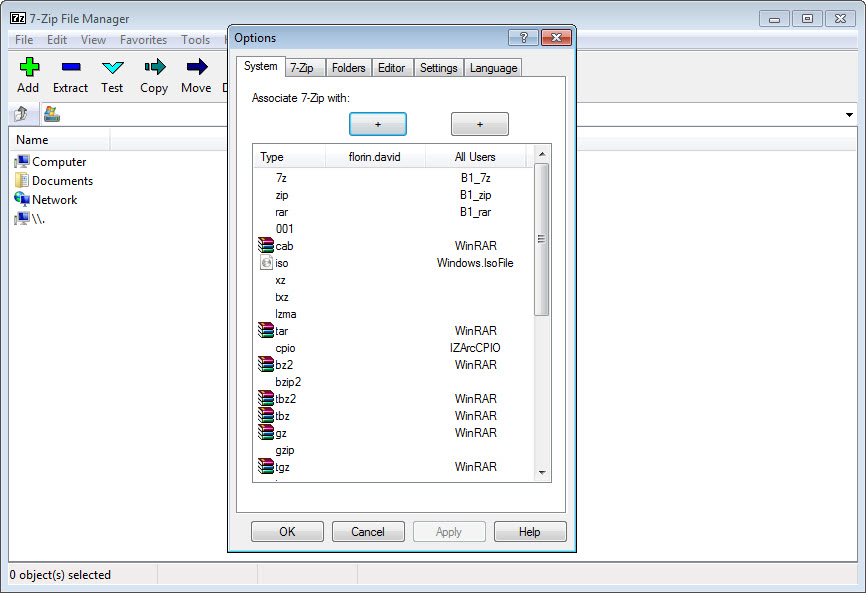
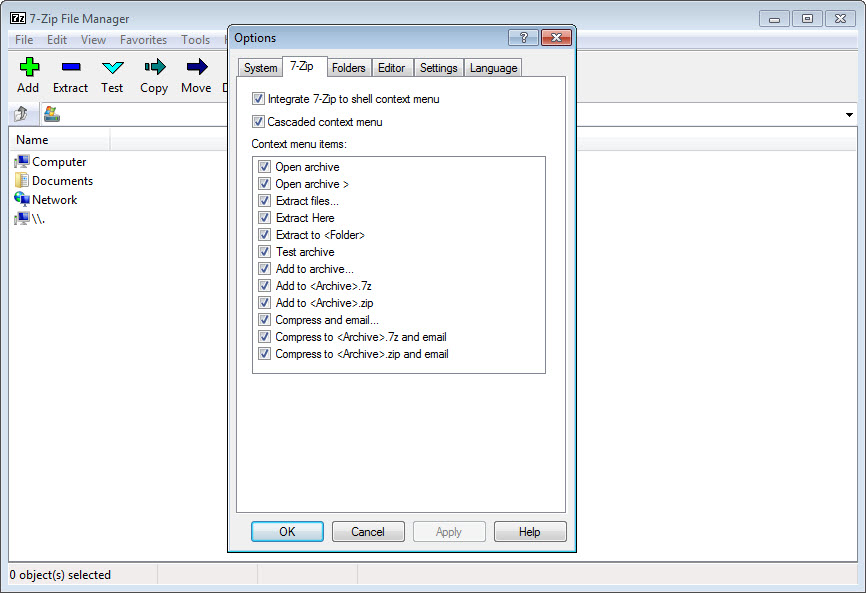
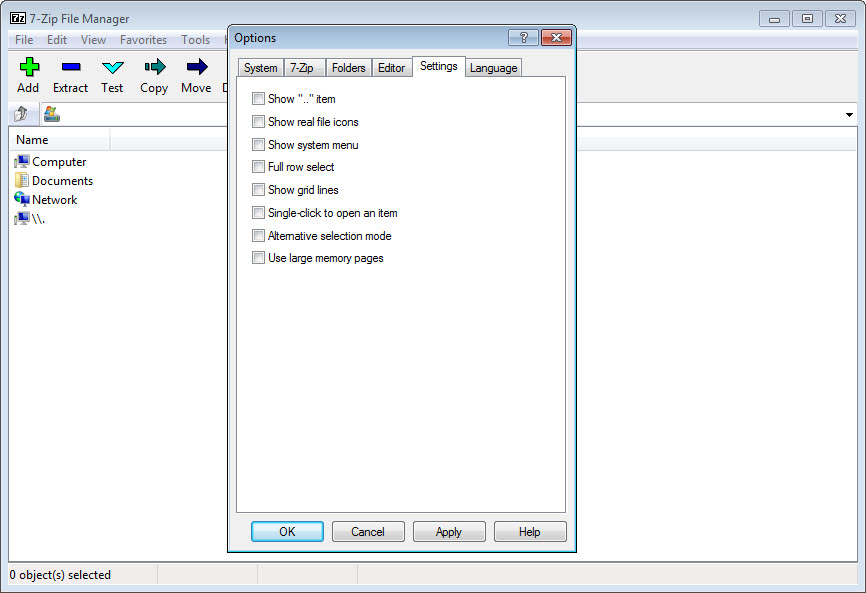
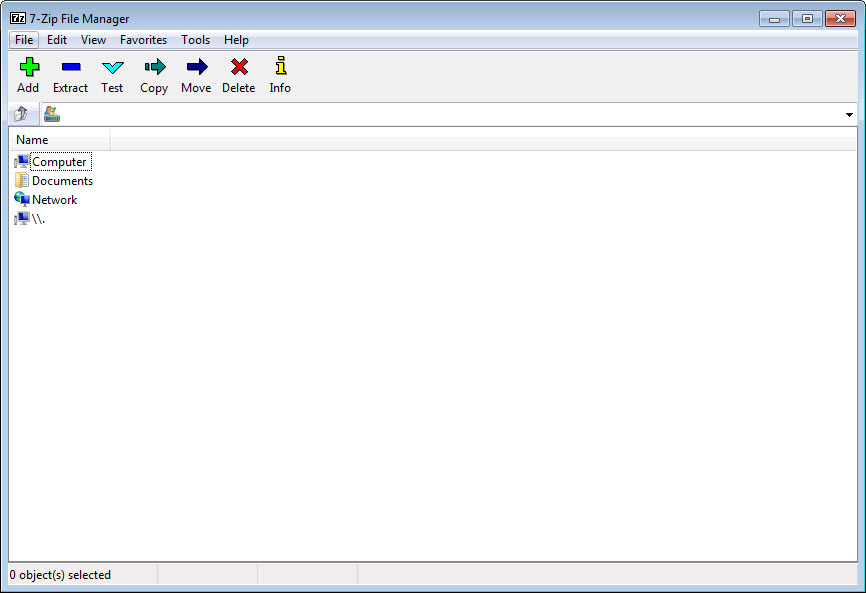
Beyond the right-click menu where most users live, 7-Zip includes a two-panel file manager that browses archives as if they were folders, copies between locations, and shows checksums on demand. It’s plain but quick, and for archive-heavy work sessions it beats bouncing between ordinary folder windows.
The command-line version serves the other audience entirely. Backup scripts, scheduled tasks, and build pipelines drive it with a handful of switches, and it behaves predictably enough that a script written years ago keeps working today. A built-in benchmark even measures your machine’s compression throughput, which doubles as a surprisingly effective processor stress test.
The honest shortcomings are cosmetic and one structural. The interface has looked the same for a very long time, gray and terse, and settings like the compression dialog assume you’ll read what each field means. Alternatives such as PeaZip and Bandizip dress similar engines in friendlier clothes. The structural gap is the absence of recovery records, WinRAR’s trick of embedding repair data so a slightly damaged archive can heal itself.
For irreplaceable long-term archives stored on questionable media, that one feature is a real argument for the competition, or at least for keeping checksums alongside your 7z files.
Conclusion
7-Zip is the rare program with no realistic argument against installing it. Anyone who downloads files needs its extraction breadth, anyone who sends or stores files benefits from the 7z ratio, and the encryption, splitting, and scripting cover the rest of an archiver’s job description without asking anything in return.
The competition wins narrower contests, prettier interfaces, RAR creation, self-repairing archives. As the default that handles ninety-five percent of everything compressed, this one took the crown long ago and shows no sign of handing it back.
Pros & Cons
- 7z format compresses substantially tighter than standard zip on most data
- Extracts RAR, ISO, MSI, VHD, CAB, and dozens of other formats
- AES-256 encryption with optional filename hiding in 7z archives
- Split volumes and self-extracting archives cover the awkward delivery cases
- Scriptable command-line version behaves identically to the GUI
- No ads, no nags, tiny installer, fully open source
- Cannot create RAR archives, only open them
- No recovery records for repairing damaged archives
- Utilitarian interface that explains little
- Ultra compression settings can be slow and memory-hungry on big jobs
Frequently asked questions
Yes, extraction of RAR archives works fully, including recent variants. Creating RAR files is the one thing it can't do, since that right belongs exclusively to WinRAR.
For compression ratio, clearly, with typical documents and program files shrinking by a third or more compared to standard zip. Zip remains the better choice when the recipient's software is unknown, since everything opens it.
Yes, with AES-256, and 7z archives can additionally encrypt the file names themselves, so the contents list stays hidden until the correct password is entered.
Choose volume sizes in the add-to-archive dialog and the output arrives as numbered parts of exactly that size. Extracting the first part reassembles the whole automatically.
Yes, the command-line executable covers everything the graphical version does, and it's a standard fixture in backup scripts and automated pipelines for exactly that reason.


