

iBackup Viewer
About iBackup Viewer
An iPhone backup sitting on your computer is a complete copy of the device, and the official software offers exactly one thing to do with it, which is put all of it back onto the iPhone. iBackup Viewer opens that same file and lets you take out the parts you want.
iBackup Viewer makes messages, contacts, call history, photographs, voice recordings, notes, plus the data belonging to individual applications all browsable, with export to ordinary formats.
Before any of that matters, there is one question that decides whether the backup can be read at all.
The encryption password nobody remembers
Here is the iBackup Viewer failure people meet, and the answer is harder than they expect.
iPhone backups can be encrypted, and encryption is worth having because an encrypted backup contains more than an unencrypted one, including saved passwords and health records. The password is set once, at the moment the option is switched on.
It is then never asked for again. The computer remembers it, backups continue running, and years pass. When somebody finally needs to read that backup, the password is gone from memory entirely.
The maker states the position plainly in its own answers, which is that the password is required, that you must remember it, and that the software is not intended as a tool for recovering passwords.
The part people find hardest is that this is not a limitation of this software. Without the password the official software cannot restore that iPhone backup either. The backup is unreadable by everything, permanently.
What you can do is turn the encryption option off on the iPhone and make a new backup with a new password. That protects you going forward and does nothing for the old file, which stays sealed.
Selective extraction, which is the whole point
The official route is all or nothing, and that is the gap iBackup Viewer fills.
Restoring replaces the iPhone’s current contents with the state captured when the backup was made. Everything since is gone. For recovering one conversation from a year ago, that trade is absurd.
Here you open the backup, find the conversation, and export it, leaving both the iPhone and the backup untouched.
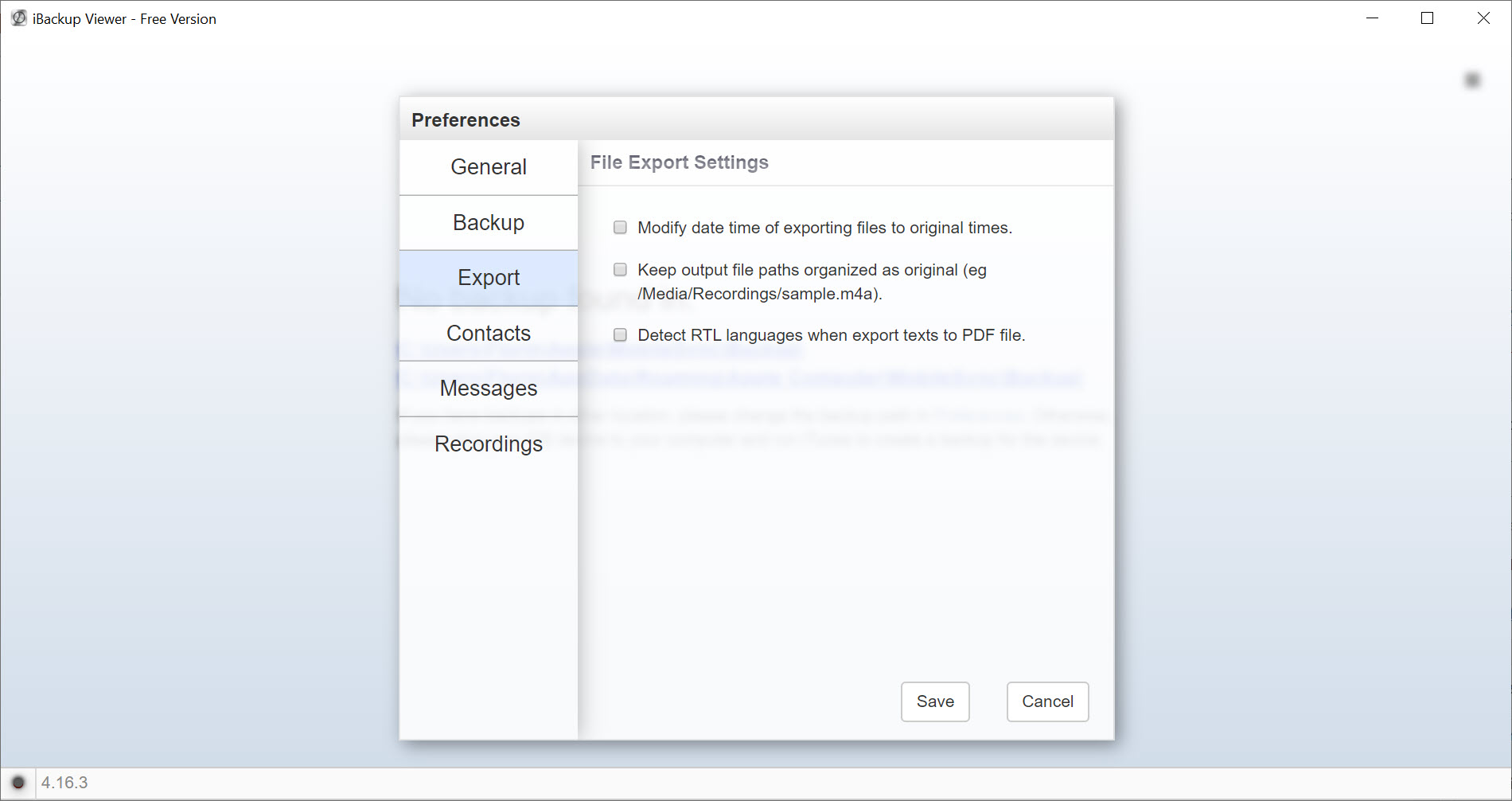
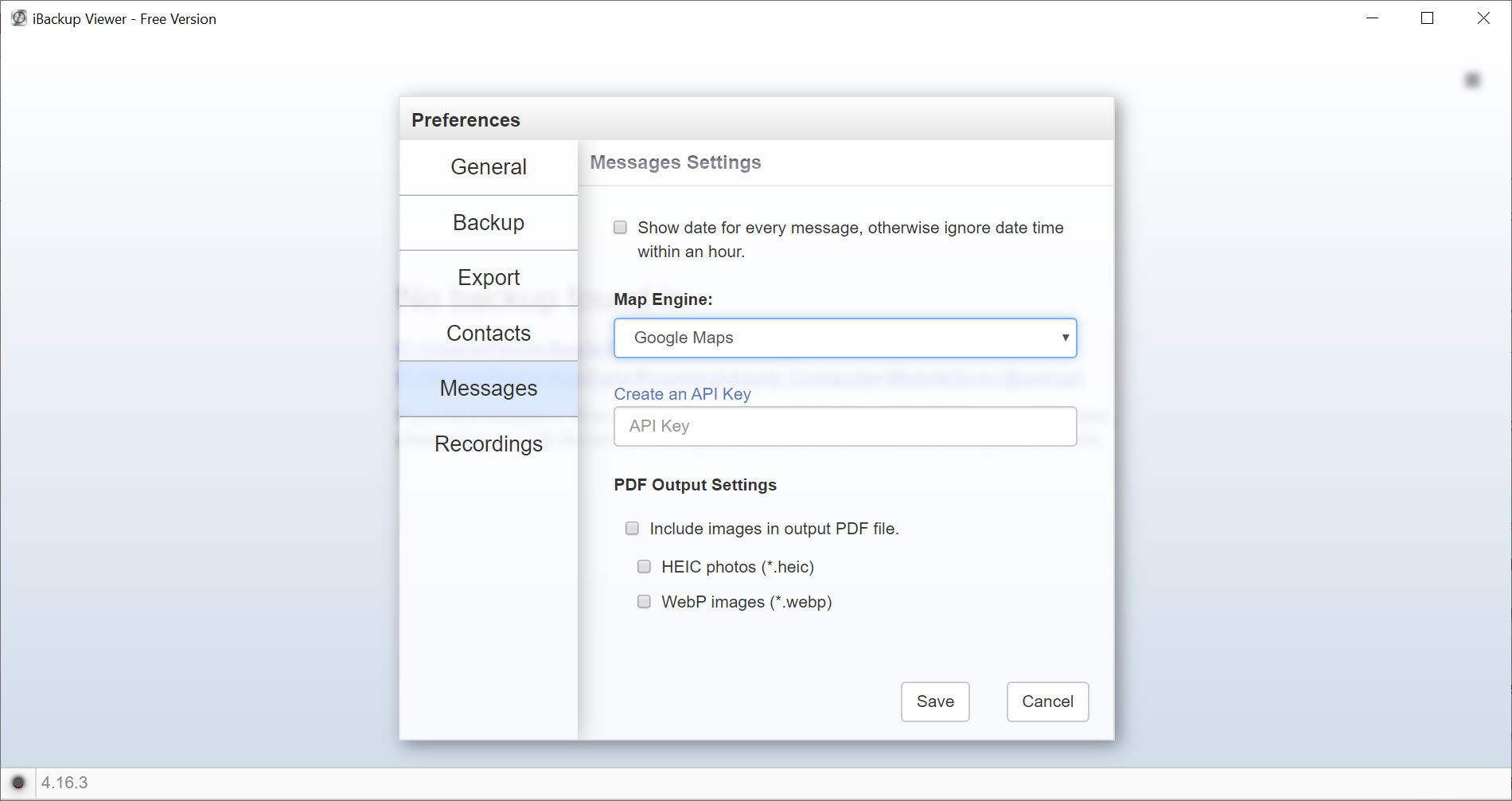
Messages export as text or as a formatted document laid out the way they appeared on the iPhone, which matters for anybody who needs a readable record rather than raw data.
Attachments come out too, meaning the photographs and clips inside conversations, which people frequently forget are only in the backup and nowhere in their photo library.
For pulling one conversation from a backup as part of a recovery attempt rather than a deliberate archive, iMyFone D-Back approaches the same file from the recovery direction.
It makes backups too, without the folder problem
The iBackup Viewer capability people overlook, and it solves a real irritation.
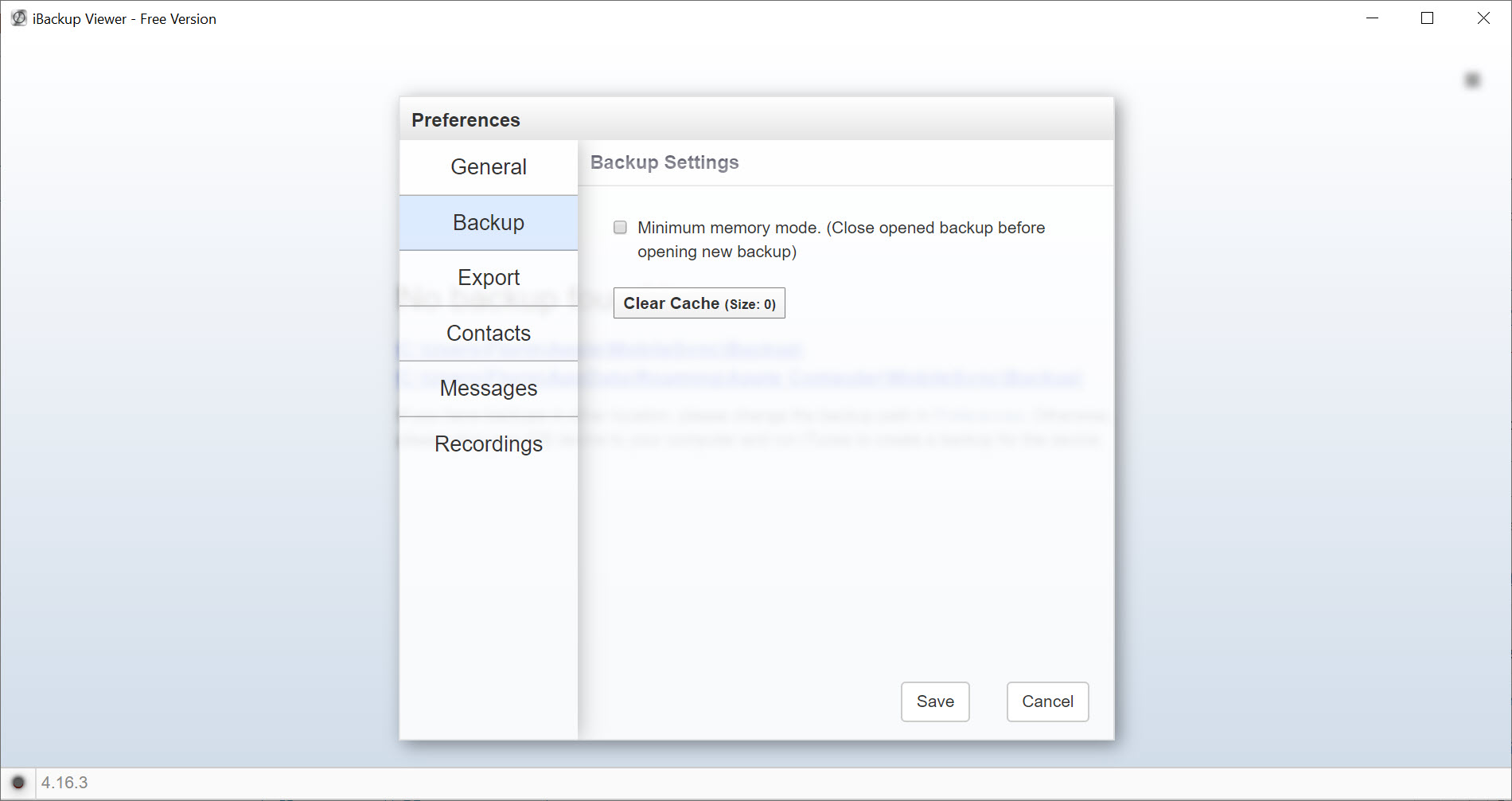
The official software writes backups to one fixed location on the system drive and nowhere else. An iPhone with a large amount of data therefore fills the system drive, and there is no supported way to send it elsewhere.
Backups made here go wherever you point them, including an external drive or a network location. That alone resolves the most common complaint about backing up an iPhone to a computer.
The second difference matters more. The official arrangement overwrites the previous backup each time, so you always have exactly one, from whenever it last ran. Here backups go into separate folders, so several are kept and an older one remains available when the recent one turns out to contain the mistake you were trying to undo.
Most backups people open here came from the official synchronisation software that writes them in the first place.
Nothing goes back to the iPhone
The iBackup Viewer boundary to understand, because it disappoints people who assume otherwise.
It reads iPhone backups and writes to your computer. It does not put messages, contacts or anything else back onto the device.
So it suits archiving, evidence, reference and rescue of specific content. It does not suit restoring an iPhone, which remains a job for the official software and its all-or-nothing approach.
Anybody wanting to move content onto a device directly needs a different category of tool, and iTools handles that direction.
What the free version covers
The iBackup Viewer division is unusually generous on one side and firm on the other.
Contacts, messages exported as text, call history, browsing history and bookmarks, photographs and videos are all available without paying, which covers what most people came for.
The paid version adds document export of conversations without trial marks, batch photograph export, and, critically, encrypted backup support. That last one is the important line, since an encrypted backup cannot be opened at all in the free version even when you know the password.
Given that encryption is the sensible default and contains more data, most people with a properly configured phone will meet that boundary immediately.
What is not in a backup at all
Worth settling before you hunt through iBackup Viewer for something that was never there.
Music and video obtained through the platform’s own services are not included in backups, so nothing can extract them from one. The backup holds your data rather than your media library.
That catches people who assume a backup is a complete copy of everything on the device. It is a complete copy of everything the platform considers yours and not replaceable.
Conclusion
iBackup Viewer exists because the official software treats a backup as one indivisible thing, and almost nobody wants it that way. Taking one conversation, one set of photographs or one application’s data out of a backup, without touching the iPhone, is the sensible operation and this is what performs it.
Settle the password question before anything else. Encryption is the right choice and it means the password you set once and never typed again is the only thing standing between you and everything in that file. If you know it, this opens the backup properly, and if you do not, no software on any platform will.
Pros & Cons
- Takes individual items out of a backup without restoring the whole thing
- Messages export as text or as a formatted document with attachments included
- Makes backups to any location, unlike the official fixed folder
- Keeps multiple backups instead of overwriting the previous one
- Free version covers contacts, messages, call history, photographs and browsing data
- Reads application data, which the official tools never expose
- An encrypted backup without its password is unreadable, permanently and by everything
- Encrypted backup support is in the paid version only
- Cannot put anything back onto an iPhone
- Media obtained through the platform's services is not in backups at all
- Document export and batch photograph export are paid features
Frequently asked questions
Nothing recovers it. Without it the backup cannot be read by this software or restored by the official software either, so it is permanently sealed. Turning encryption off on the iPhone and making a fresh backup protects you from here on and does not open the old one.
No. It reads iPhone backups and writes to your computer only. Restoring remains a job for the official software, which replaces the device's contents entirely.
Encrypted backups, document export of conversations without trial marks, and batch photograph export. Contacts, messages as text, call history, photographs and browsing data are all included.
Because media obtained through the platform's services is never included. A backup holds your own data rather than content the platform can supply again.


